
SharePoint versioning is invaluable until it quietly consumes massive amounts of storage. This post explores how large files, especially PowerPoint presentations, can balloon through version accumulation, why existing limits often fail to address historical growth, and how an undocumented Microsoft Graph API DELETE endpoint can rapidly purge unwanted file versions at scale.
M365 Copilot and the case of the broken license

Did you know that assigning your user a M365 Copilot license doesn’t actually mean they have a M365 Copilot license? It doesn’t make sense to me either, but apparently that is “by design”. Let’s take a look at this flawed approach. This blog post is more of a public service announcement, as I recently discovered…… Continue reading M365 Copilot and the case of the broken license
Explaining Microsoft 365 Copilot usage reporting — the video!

In late 2025 I had the opportunity to present about the M365 Copilot usage reporting at the Power Platform Conference in glitzy Las Vegas. Thankfully, a legendary MVP Vlad Catrinescu has his camera kit and asked me to do a recap of what we covered, as well as the solution. For those of you who…… Continue reading Explaining Microsoft 365 Copilot usage reporting — the video!
Integrating Azure Personal Voice with Home Assistant

Home Assistant has had the ability to convert text to speech (TTS) for a number of years, and specifically the ability to use Azure speech services since late 2017 – so you might think that what I’m writing about isn’t new. In fact, if you’re a Nabu Casa subscriber and use the Voice Assist functionality…… Continue reading Integrating Azure Personal Voice with Home Assistant
How to deploy my (meaningful) Microsoft 365 Copilot usage report

The “M365 Copilot Usage Reporter” solution comprises components including Entra ID app registration, Power Automate workflows, Dataverse tables, and a Power BI report. It captures Copilot interactions, manages licensed user data, and generates reports. This comprehensive setup works with Microsoft Graph to improve data visibility and management, while encouraging community feedback for enhancements.
How to build your own (meaningful) Microsoft 365 Copilot usage reporting system
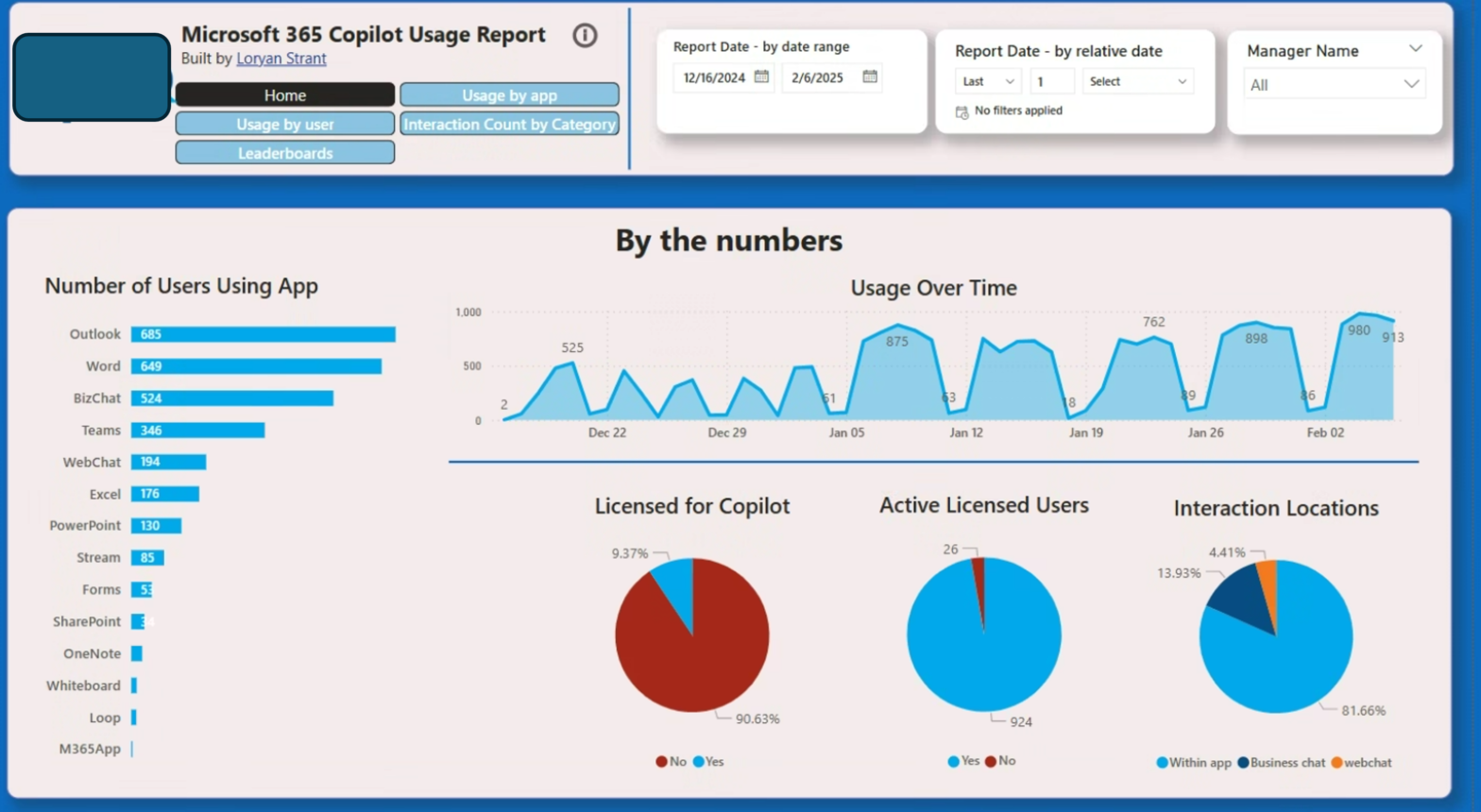
This article concludes a three-part series on creating meaningful Microsoft 365 Copilot usage reporting. Customers find existing data unhelpful for adoption, prompting a need for better metrics. Utilizing Microsoft Graph API endpoints, the author proposes a solution to capture user-level data, contrasting with inadequate native reports, and shares resources for implementation.
Power BI (Fabric) Tenant Settings Reporter
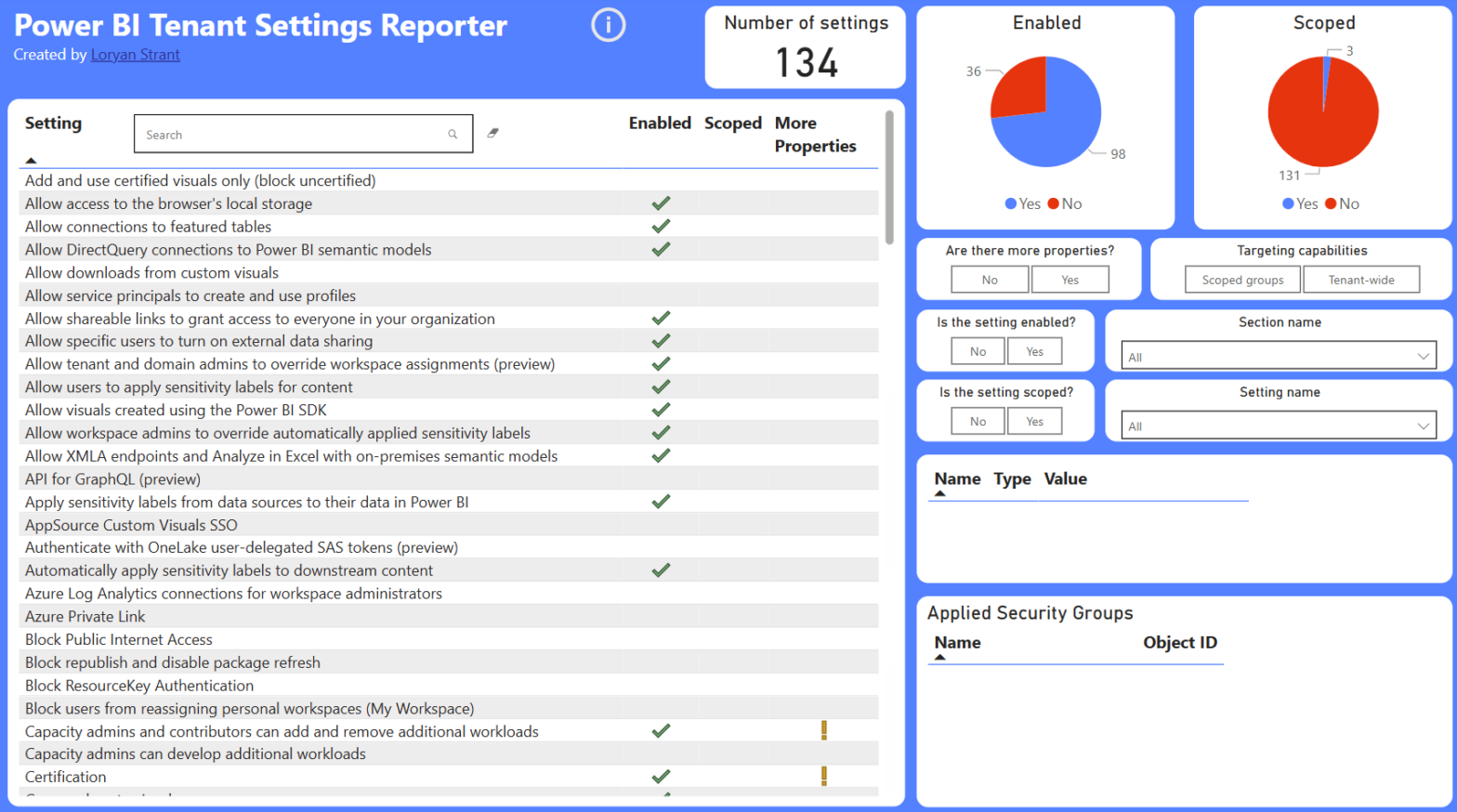
Power BI has extensive settings and controls, making them difficult to capture for health checks and migrations. While existing tools overlook Power BI, a new solution using PowerShell scripts extracts settings into a JSON file. This enables efficient representation, sorting, and searching, enhancing the usability of Power BI configurations.
Hijacking Viva Insights to build a meaningful Microsoft 365 Copilot usage report
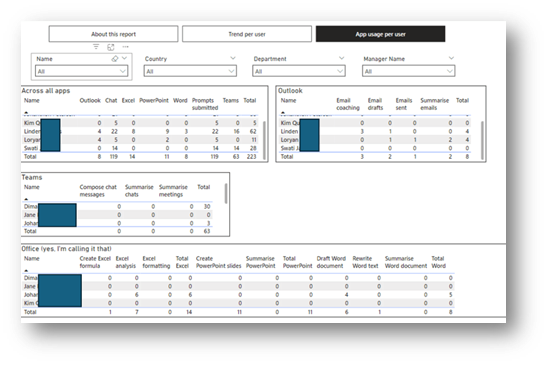
This post discusses constructing a Microsoft 365 Copilot usage reporting solution using Viva Insights. It outlines the methods, including data uploading via CSV files, to obtain identifiable user data. The piece emphasizes privacy challenges and the need for careful data management while offering insights on enhancing reporting capabilities within organizations.
The four ways to build your own Copilot usage & adoption reports

The post discusses the challenges of accurately tracking Microsoft 365 Copilot’s usage within organizations. It outlines several data sources for obtaining usage information, including Microsoft 365 Usage Reports, Audit Logs, and Viva Insights. Loryan argues that these methods often lack the detailed insights needed to evaluate user interactions effectively.
I failed a phishing simulation

There’s quite a bit of humble pie eating required here, as in my previous role – I was guy running the simulations (along with a partner in crime, who shall not be named). In that previous role, I would sometimes get push back on the simulations I ran as people found them too accurate, or…… Continue reading I failed a phishing simulation